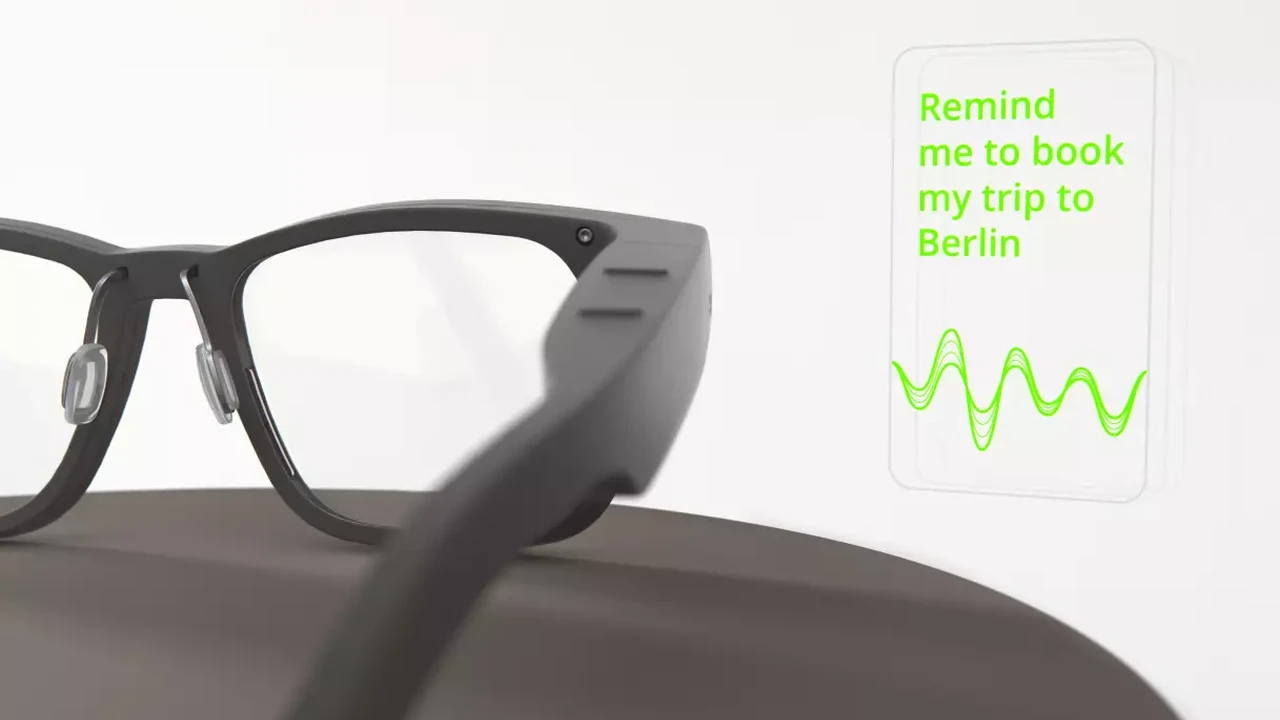
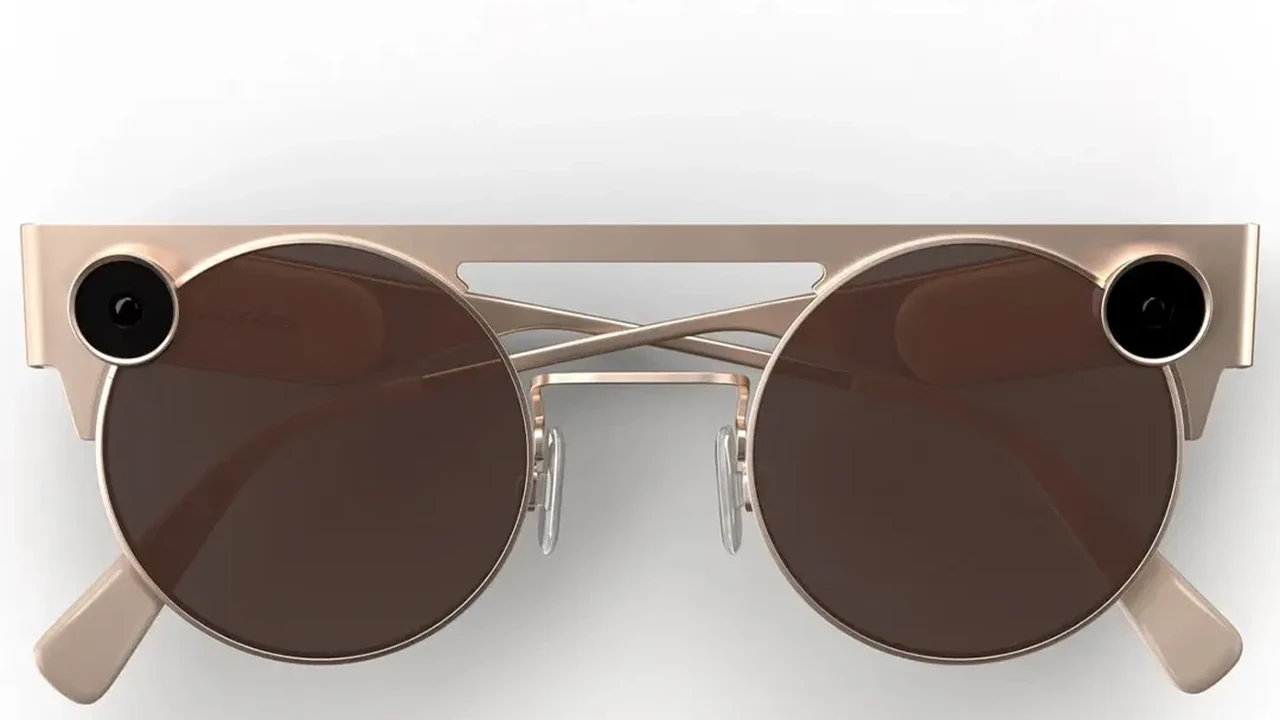
Smart Glasses Price Guide What to Expect
Get an overview of smart glasses pricing across different brands and features to set your budget.
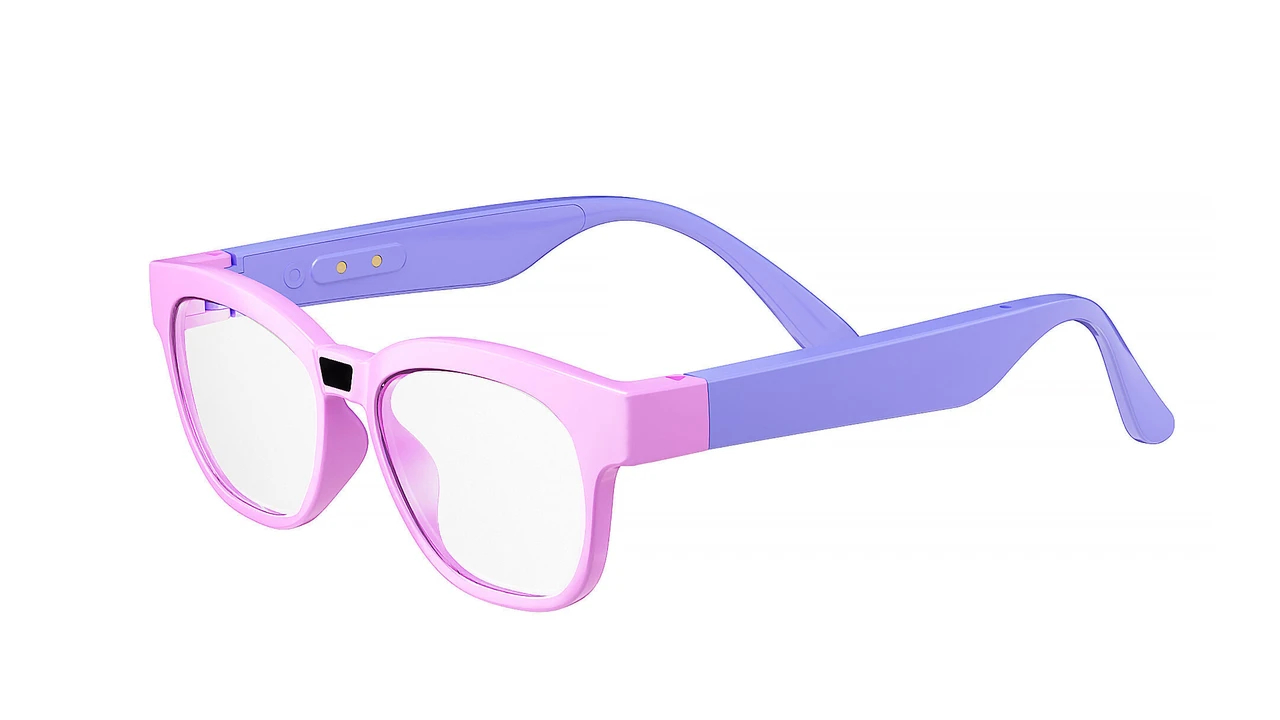
Get an overview of smart glasses pricing across different brands and features to set your budget.
Smart Glasses Price Guide What to Expect
Hey there, smart glasses curious folks! So, you've been eyeing those sleek, futuristic spectacles that promise to blend digital information with your real-world view, right? Maybe you're thinking about how they could boost your productivity, enhance your entertainment, or just make you look super cool. But then, the big question hits: how much do these things actually cost? And what exactly are you getting for your hard-earned cash? Well, you've come to the right place. This guide is all about breaking down the smart glasses price landscape, helping you understand what influences the cost, and giving you a peek at some popular models across different price points. We're talking about everything from the budget-friendly options that get your foot in the door to the high-end, enterprise-grade powerhouses. Let's dive in and demystify the smart glasses market together!
Understanding Smart Glasses Pricing Factors
Before we jump into specific price tags, it's super important to understand that smart glasses aren't a one-size-fits-all gadget. Their price can vary wildly based on a bunch of factors. Think of it like buying a car – a basic sedan is going to cost a lot less than a luxury SUV with all the bells and whistles. Smart glasses are pretty similar. Here’s what usually drives the price up or down:
Core Technology and Display Type
This is probably the biggest factor. Are we talking about a simple heads-up display for notifications, or a full-blown augmented reality (AR) experience with 3D overlays? The type of display technology used plays a huge role. MicroLED, OLED, LCoS, waveguide optics – these aren't just fancy terms; they represent different levels of complexity, clarity, and manufacturing cost. High-resolution, full-color, wide field-of-view (FOV) displays are expensive to produce. If the glasses offer true AR capabilities, projecting digital content seamlessly onto your real environment, expect a higher price tag than those that just show basic information in your peripheral vision.
Processing Power and Onboard Sensors
Just like your smartphone, smart glasses need a brain. The more powerful the processor, the more complex tasks the glasses can handle, and the higher the cost. Think about real-time object recognition, complex AR rendering, or simultaneous translation – these require serious computing power. Beyond the processor, smart glasses are packed with sensors: accelerometers, gyroscopes, magnetometers, cameras, microphones, depth sensors, eye-tracking sensors, and even biometric sensors. Each additional sensor adds to the manufacturing cost and the overall sophistication of the device.
Connectivity and Battery Life
How do these glasses connect to the world? Bluetooth, Wi-Fi, 5G? Integrated cellular connectivity will naturally increase the price. And battery life? Nobody wants smart glasses that die after an hour. Longer battery life often means larger, more advanced batteries, which can add to the bulk and, you guessed it, the cost. Some glasses might even come with external battery packs, which is another component to factor in.
Brand Reputation and Research & Development
Big names often come with bigger price tags. Companies like Google, Microsoft, Apple (when they eventually release theirs), and even established eyewear brands entering the smart glasses space, invest heavily in research and development, design, and marketing. You're not just paying for the hardware; you're paying for the years of innovation, the brand's reputation for quality, and the ecosystem they've built around their products.
Target Market Consumer vs Enterprise
This is a crucial distinction. Consumer smart glasses are generally designed for everyday use, entertainment, or basic productivity. They prioritize sleek design, ease of use, and often integrate with existing smartphone ecosystems. Enterprise smart glasses, on the other hand, are built for specific industrial or professional applications. They might be ruggedized for harsh environments, offer specialized software, or integrate with complex corporate networks. These often come with a much higher price tag due to their specialized nature, durability, and the value they bring to businesses in terms of efficiency and safety.
Materials and Build Quality
Are the frames made of lightweight plastic, durable titanium, or premium acetate? Is the lens scratch-resistant? Is the device water and dust resistant? The quality of materials and the overall build quality contribute significantly to the final price. More robust, premium materials not only feel better but also ensure the longevity of the device.
Smart Glasses Price Tiers and Recommended Products
Alright, let's get to the numbers! We can generally categorize smart glasses into a few price tiers, each offering different features and targeting different users. Keep in mind that prices can fluctuate, and new models are always coming out, but this will give you a solid baseline.
Entry-Level Smart Glasses Under $300
This tier is perfect for those who want to dip their toes into the smart glasses world without breaking the bank. You're generally looking at devices that offer basic audio features, notifications, or simple camera functions. They often connect to your smartphone via Bluetooth and rely on your phone for most of the heavy lifting. Don't expect full-blown AR or complex displays here, but they're great for hands-free convenience.
Recommended Products in this Tier:
-
Razer Anzu Smart Glasses (around $100 - $200, often on sale):
- Use Case: Primarily for audio and blue light filtering. Think of them as smart audio glasses. Great for listening to music, taking calls, and protecting your eyes during long screen times.
- Features: Open-ear audio, low-latency Bluetooth, blue light filtering lenses (interchangeable with polarized sunglasses lenses), touch controls.
- Comparison: More affordable than many competitors, focusing purely on audio and eye protection rather than visual displays. Lacks any visual overlay.
- Pros: Affordable, comfortable, good sound quality for open-ear, stylish.
- Cons: No visual display, battery life is decent but not exceptional.
-
Amazon Echo Frames (2nd Gen) (around $250 - $270):
- Use Case: Hands-free Alexa access, audio streaming, and calls. Ideal for staying connected and using voice commands on the go.
- Features: Open-ear audio, Alexa integration, auto volume, VIP filter for notifications, prescription-ready.
- Comparison: Similar to Razer Anzu in audio focus but with the added benefit of full Alexa integration. More expensive than Anzu.
- Pros: Seamless Alexa experience, lightweight, good for calls and audio.
- Cons: No visual display, battery life could be better, sound can leak in quiet environments.
Mid-Range Smart Glasses $300 - $800
This is where things start to get a bit more interesting. You'll find devices with more advanced features, including basic heads-up displays, better cameras, and improved audio. Some might even offer rudimentary AR capabilities or more robust integration with specific apps. This tier often balances features with a more accessible price point for consumers.
Recommended Products in this Tier:
-
Ray-Ban Stories (around $299 - $379):
- Use Case: Capturing photos and videos hands-free, listening to audio, and taking calls. Perfect for content creators, social media enthusiasts, or just capturing everyday moments spontaneously.
- Features: Dual 5MP cameras for photos and 30-second videos, open-ear audio, touch controls, Facebook Assistant voice control, charging case. Integrates with the Facebook View app.
- Comparison: Focuses heavily on camera and audio, unlike display-centric smart glasses. Offers a classic Ray-Ban look.
- Pros: Iconic design, easy to use for capturing content, decent audio.
- Cons: No visual display, privacy concerns due to cameras, battery life for recording can be limited.
-
Nreal Air (around $379 - $599, depending on region/bundle):
- Use Case: Portable big screen experience for media consumption, gaming, and light productivity. Ideal for travelers, commuters, or anyone wanting a private, large virtual display.
- Features: Micro-OLED display (up to 3840x1080 resolution), 46-degree FOV, connects to smartphones/laptops via USB-C (DisplayPort Alt Mode), built-in speakers.
- Comparison: One of the most accessible options for a true visual display experience. More focused on a virtual screen than full AR interaction with the environment.
- Pros: Excellent display quality, lightweight, comfortable, great for media consumption.
- Cons: Requires a compatible device for power and content, limited AR capabilities compared to higher-end models, no onboard processing.
-
Rokid Air (around $499):
- Use Case: Similar to Nreal Air, offering a portable big screen for entertainment, gaming, and productivity.
- Features: Micro-OLED display (1920x1080 per eye), 43-degree FOV, connects via USB-C, voice control, built-in speakers.
- Comparison: Direct competitor to Nreal Air, offering similar display quality and use cases. Often comes down to personal preference for design and software experience.
- Pros: Good display, comfortable, voice control is a nice addition.
- Cons: Requires a connected device, limited AR, some users report comfort issues with prolonged use.
High-End Consumer Smart Glasses $800 - $1500+
Now we're getting into the serious consumer-grade smart glasses that offer more advanced AR features, better integration, and often a more polished user experience. These might have dedicated onboard processing, more sophisticated displays, and a wider range of sensors for more immersive interactions.
Recommended Products in this Tier:
-
Vuzix Blade Upgraded (around $999):
- Use Case: Hands-free information access, notifications, media playback, and basic AR applications. Suitable for prosumers or light enterprise use.
- Features: Waveguide optics, full-color display, 8MP camera, voice control, touch controls, Android OS, Wi-Fi, Bluetooth.
- Comparison: Offers a more integrated smart glasses experience with onboard processing and a camera, unlike the audio-focused or display-only models.
- Pros: Standalone operation, decent display for information, relatively lightweight.
- Cons: Limited FOV for AR, battery life can be short with heavy use, not as powerful as enterprise-grade AR glasses.
-
Google Glass Enterprise Edition 2 (around $999 - $1200, often sold through resellers):
- Use Case: While technically an enterprise device, its lower price point compared to other enterprise options makes it accessible for some prosumers or small businesses. Primarily for hands-free information access, remote assistance, and workflow optimization.
- Features: Optical display, 8MP camera, USB-C charging, improved processor, Android OS.
- Comparison: More robust and designed for specific tasks than consumer glasses, but less immersive than full AR headsets.
- Pros: Lightweight, comfortable for extended wear, strong ecosystem for enterprise applications.
- Cons: Monocular display (one eye), not designed for immersive AR, primarily for industrial/business use.
Enterprise and Professional Smart Glasses $1500 - $5000+
This is the top tier, where smart glasses become powerful tools for specific industries. These devices are built for durability, precision, and often integrate with complex software ecosystems. They are typically used in manufacturing, healthcare, logistics, field service, and training. The price reflects their specialized hardware, robust software, and the significant return on investment they can provide for businesses.
Recommended Products in this Tier:
-
Lenovo ThinkReality A3 (around $1499 - $1800, depending on configuration):
- Use Case: Virtual monitors for productivity, 3D visualization, AR-assisted workflows. Ideal for engineers, designers, and mobile professionals.
- Features: Dual 1080p displays, 45-degree FOV, connects to PC or select Motorola smartphones, multiple cameras for tracking, lightweight.
- Comparison: Offers a more immersive and versatile AR experience than Google Glass EE2, but less standalone than HoloLens 2.
- Pros: Excellent display quality, comfortable, versatile for different use cases, strong enterprise support.
- Cons: Requires a connected device (PC or specific phone), not fully standalone.
-
Microsoft HoloLens 2 (around $3500):
- Use Case: Advanced mixed reality applications for training, remote collaboration, design, and complex industrial tasks. Widely used in healthcare, manufacturing, and education.
- Features: Holographic displays, 43-degree FOV, hand tracking, eye tracking, voice commands, spatial mapping, fully standalone.
- Comparison: The gold standard for mixed reality enterprise applications, offering unparalleled immersion and interaction.
- Pros: Fully standalone, highly immersive AR, robust tracking, extensive enterprise ecosystem.
- Cons: High price point, bulky compared to traditional glasses, battery life can be limited for continuous heavy use.
-
Magic Leap 2 (around $3299):
- Use Case: Similar to HoloLens 2, focusing on enterprise AR applications, particularly in healthcare, defense, and manufacturing.
- Features: Dynamic Dimming, larger FOV than original Magic Leap, powerful compute pack, eye tracking, hand tracking.
- Comparison: Direct competitor to HoloLens 2, offering a slightly different approach to AR with its dynamic dimming feature for better contrast.
- Pros: Excellent display and immersion, comfortable, strong enterprise focus.
- Cons: High price, requires a tethered compute pack (though it's pocketable), still relatively bulky.
What to Consider When Setting Your Smart Glasses Budget
So, how do you figure out what you should be spending? It all comes down to your needs and expectations. Here are a few questions to ask yourself:
What's Your Primary Use Case?
Are you just looking for hands-free audio and notifications? An entry-level pair might be perfect. Do you want a portable big screen for movies and gaming? Nreal Air or Rokid Air could be your go-to. Are you a professional who needs to overlay complex 3D models onto the real world for work? Then you're definitely looking at the higher-end enterprise solutions. Your use case will dictate the features you need, and thus, the price.
How Important is Design and Comfort?
If you plan to wear these for extended periods, comfort is paramount. Lightweight materials, balanced weight distribution, and a design that fits your face well are crucial. Often, more comfortable and stylish designs come with a higher price tag, especially if they integrate advanced tech into a sleek form factor like Ray-Ban Stories.
Do You Need Standalone Functionality or Are You Okay with Tethering?
Some smart glasses are fully standalone, meaning they have their own processor, battery, and operating system. Others need to be tethered to a smartphone or PC for power and processing. Standalone devices generally cost more but offer greater freedom of movement. Tethered devices can be lighter and more affordable, leveraging the power of your existing devices.
What's Your Ecosystem Preference?
Are you an Android user, an iOS enthusiast, or do you prefer a specific brand's ecosystem? Some smart glasses integrate better with certain operating systems or come with their own proprietary apps. Consider how seamlessly the smart glasses will fit into your existing tech setup.
Future-Proofing and Software Updates
Technology evolves rapidly. While you can't completely future-proof, consider brands that have a track record of providing software updates and support. Regular updates can add new features, improve performance, and fix bugs, extending the useful life of your smart glasses.
The Bottom Line on Smart Glasses Pricing
The smart glasses market is still relatively young and constantly evolving, which means prices can fluctuate and new innovations are always around the corner. What's considered high-end today might be mid-range in a few years. However, by understanding the key factors that influence pricing and identifying your specific needs, you can make a much more informed decision.
Whether you're looking for a simple audio companion, a portable big screen, or a powerful AR tool for professional use, there's a smart glasses option out there for almost every budget. Do your research, compare features, and consider how the device will truly enhance your daily life or work. Happy smart glasses shopping!
:max_bytes(150000):strip_icc()/277019-baked-pork-chops-with-cream-of-mushroom-soup-DDMFS-beauty-4x3-BG-7505-5762b731cf30447d9cbbbbbf387beafa.jpg)