Smart Glasses for Different Age Groups A Guide
Find out which smart glasses are best suited for various age groups, from children to seniors.
Find out which smart glasses are best suited for various age groups, from children to seniors.
Smart Glasses for Different Age Groups A Guide
Understanding Smart Glasses Needs Across Generations
Smart glasses are no longer a futuristic concept; they're here, and they're evolving rapidly. But just like any other piece of technology, what works for a teenager might not be ideal for a senior citizen, and vice versa. The needs, preferences, and even the physical capabilities of different age groups vary significantly. This comprehensive guide will delve into how to choose the right smart glasses for various demographics, ensuring comfort, utility, and safety.
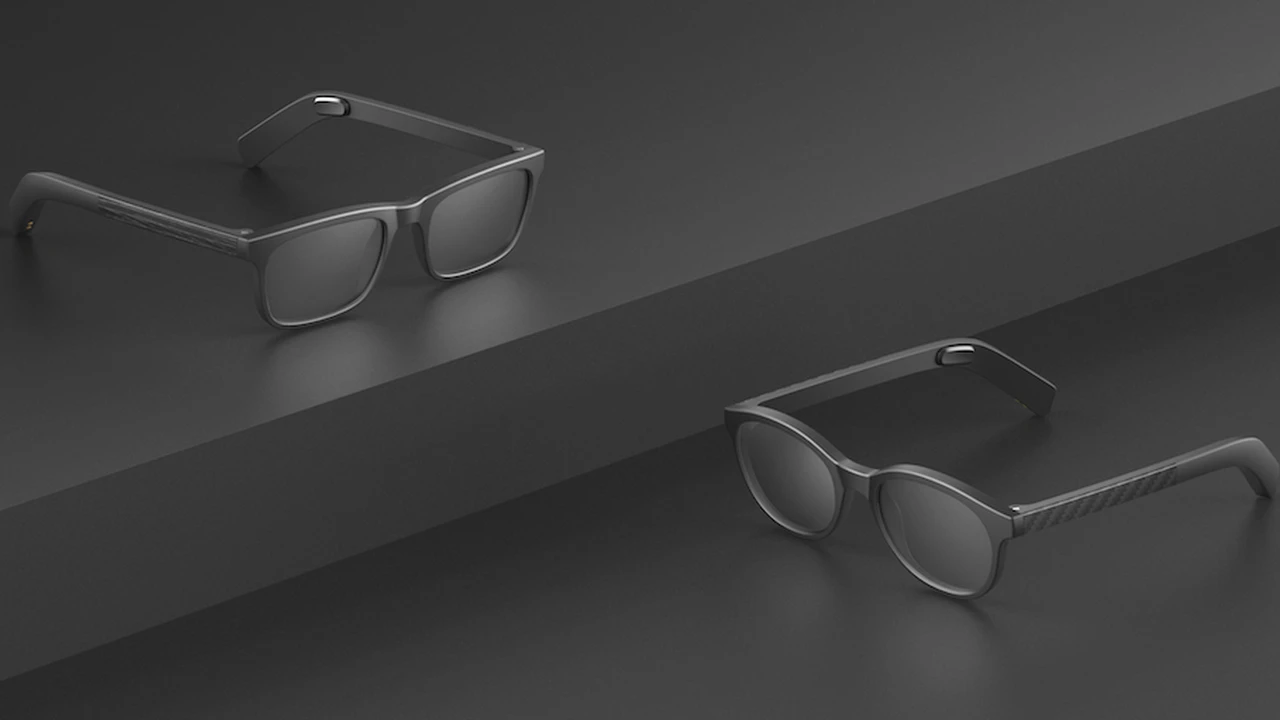
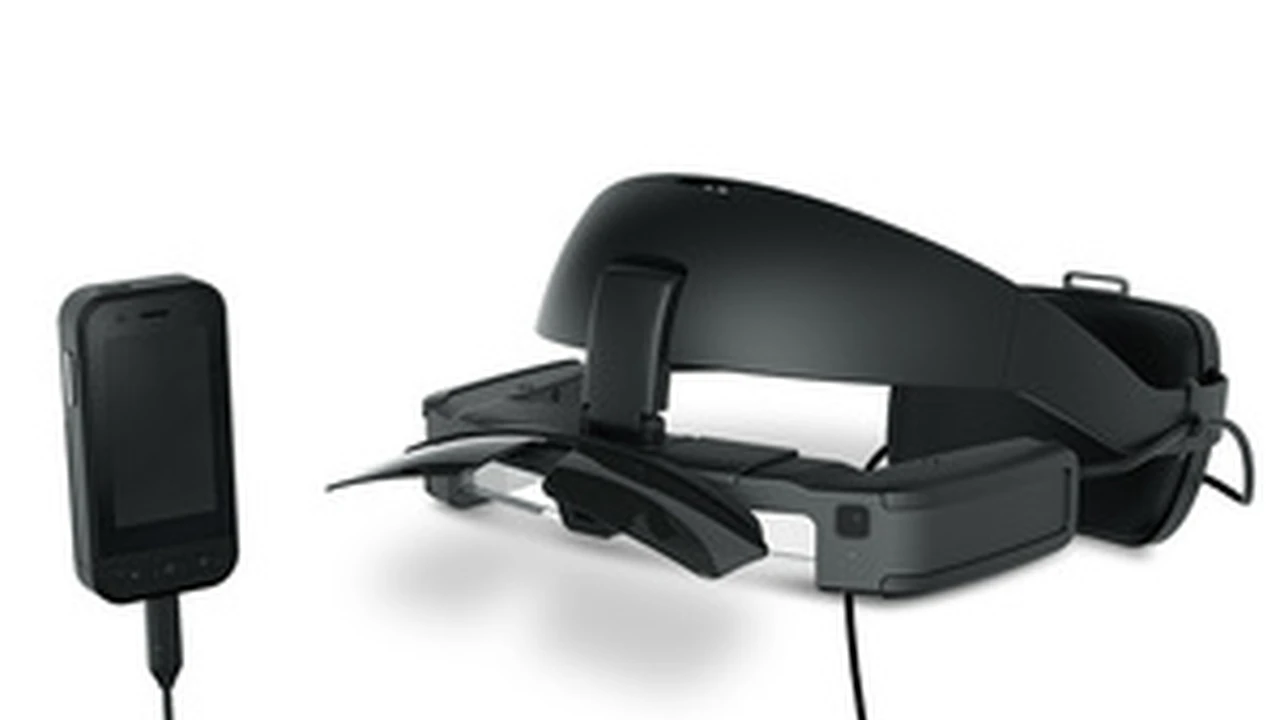
When we talk about 'smart glasses,' we're encompassing a wide range of devices, from simple audio glasses to complex augmented reality (AR) headsets. Each type offers different functionalities, from hands-free communication and media consumption to advanced navigation and real-time information overlays. Understanding these distinctions is crucial when selecting for specific age groups.
Smart Glasses for Children and Young Adults Safety and Education First
For children and young adults, the primary considerations for smart glasses revolve around safety, durability, and educational or entertainment value. Eye safety is paramount, as prolonged exposure to screens, even small ones, can be a concern for developing eyes. Durability is also key, as kids can be rough with their gadgets.
Recommended Features for Kids Smart Glasses
- Eye Protection: Look for models with blue light filtering or those that project images further away to reduce eye strain.
- Durability: Impact-resistant frames and lenses are a must.
- Parental Controls: Features that allow parents to manage content, screen time, and privacy settings.
- Educational Content: AR applications that offer interactive learning experiences.
- Limited Connectivity: To prevent excessive screen time and exposure to inappropriate content.
Product Recommendations for Children and Young Adults
1. Vuzix Blade Upgraded Smart Glasses
While a bit on the pricier side, the Vuzix Blade offers a robust platform that can be adapted for educational purposes. Its waveguide optics project a transparent display, which can be less strenuous on the eyes than direct screens. It also has a camera for AR applications and can be used for interactive learning games. Parental controls can be set up through connected devices. Price: Approximately $799 - $999 USD.
2. Amazon Echo Frames (Kids Edition)
These are primarily audio glasses, focusing on hands-free Alexa access and audio playback. They are lightweight and designed for comfort. The Kids Edition comes with a 2-year worry-free guarantee, meaning Amazon will replace them if they break. This makes them a great entry point for younger users who might not need a visual display. Price: Approximately $99 - $129 USD.
3. Ray-Ban Stories (with parental supervision)
While not specifically designed for kids, with careful parental supervision, these can be used for capturing moments and listening to audio. The discreet camera allows for hands-free photo and video capture, which can be fun for creative kids. However, privacy settings and usage limits are crucial here. Price: Approximately $299 - $379 USD.
Smart Glasses for Teenagers and Young Adults Connectivity and Entertainment
Teenagers and young adults are often early adopters of technology. Their smart glasses needs lean towards connectivity, social interaction, entertainment, and personal expression. They'll likely prioritize sleek design, integration with their smartphones, and access to popular apps.
Key Considerations for Teenagers Smart Glasses
- Stylish Design: Fashion is important at this age.
- Smartphone Integration: Seamless connection to their existing devices for notifications, calls, and media.
- Social Media Features: Easy sharing of photos and videos.
- Gaming and Entertainment: AR gaming capabilities or immersive media viewing.
- Battery Life: Long enough to last through a school day or social outing.
Product Recommendations for Teenagers and Young Adults
1. Nreal Air Smart Glasses
These are lightweight and offer an impressive virtual display, making them excellent for media consumption and mobile gaming. They connect to compatible smartphones and project a large virtual screen in front of the user. This is perfect for watching videos on the go or playing mobile games with a larger field of view. Price: Approximately $379 - $459 USD.
2. Razer Anzu Smart Glasses
Designed with gamers in mind, these audio glasses feature low-latency audio and blue light filtering lenses. They are great for listening to music, taking calls, and even light gaming without the visual overlay of AR glasses. Their stylish design also appeals to this demographic. Price: Approximately $99 - $199 USD.
3. Huawei X Gentle Monster Eyewear II
These glasses blend high fashion with smart audio features. They offer open-ear audio, touch controls, and a sophisticated look. While they don't have a visual display, their audio quality and design make them a popular choice for those who want discreet smart features. Price: Approximately $299 - $399 USD.
Smart Glasses for Working Professionals Productivity and Communication
For working professionals, smart glasses can be powerful tools for productivity, communication, and hands-free operation. Whether it's for remote assistance, data visualization, or simply managing notifications discreetly, the focus is on efficiency and integration into a professional workflow.
Essential Features for Professional Smart Glasses
- Clear Display: High-resolution display for data and information.
- Robust Connectivity: Reliable Wi-Fi and Bluetooth for seamless communication.
- Long Battery Life: To support extended work sessions.
- Privacy Features: Discreet indicators for recording or data access.
- Integration with Enterprise Software: Compatibility with common business applications.
Product Recommendations for Working Professionals
1. Google Glass Enterprise Edition 2
Still a leader in the enterprise space, Google Glass EE2 is designed for hands-free work. It's used in manufacturing, logistics, and healthcare for remote assistance, training, and workflow optimization. Its robust build and focus on practical applications make it ideal for industrial settings. Price: Enterprise pricing, typically not sold directly to consumers, but around $999 - $1,299 USD for individual units if available.
2. Microsoft HoloLens 2
While more of a mixed reality headset than traditional smart glasses, HoloLens 2 offers unparalleled immersive experiences for design, training, and complex data visualization. It's a powerful tool for professionals in engineering, architecture, and medicine. Price: Approximately $3,500 USD and up.
3. Vuzix M400 Smart Glasses
Another strong contender in the enterprise sector, the Vuzix M400 is rugged, powerful, and designed for demanding industrial environments. It features a high-resolution camera, powerful processor, and excellent battery life, making it suitable for field service, remote support, and quality control. Price: Approximately $1,499 - $1,799 USD.
Smart Glasses for Seniors Accessibility and Health Monitoring
For seniors, smart glasses can offer significant benefits in terms of accessibility, communication, and even health monitoring. Ease of use, clear interfaces, and features that assist with daily tasks are paramount. Comfort and lightweight design are also crucial for extended wear.
Important Considerations for Senior Smart Glasses
- Simplicity: Intuitive controls and a straightforward user interface.
- Large Text/Icons: Easy to read displays.
- Voice Control: Hands-free operation for convenience.
- Health Monitoring: Integration with health tracking apps or sensors.
- Assisted Living Features: Navigation, reminders, or communication tools for caregivers.
- Comfort and Weight: Lightweight and comfortable for prolonged wear.
Product Recommendations for Seniors
1. Amazon Echo Frames (2nd Gen)
Similar to the Kids Edition, the standard Echo Frames are excellent for seniors due to their focus on audio and voice commands. They allow for hands-free calls, listening to audiobooks, and accessing Alexa for information or smart home control. The lack of a visual display simplifies the experience. Price: Approximately $129 - $179 USD.
2. Jins Meme Smart Glasses
These glasses are unique in their focus on health and wellness. They track eye movements, posture, and even drowsiness, providing insights into the user's physical state. While not a medical device, they can offer valuable data for personal well-being. They are also very lightweight and comfortable. Price: Approximately $199 - $299 USD.
3. Lucyd Lyte Smart Glasses
Lucyd Lyte glasses offer open-ear audio, allowing seniors to stay aware of their surroundings while listening to music or taking calls. They are prescription-ready, which is a huge plus for many seniors. Their simple controls and comfortable design make them user-friendly. Price: Approximately $149 - $249 USD.
General Tips for Choosing Smart Glasses Across All Ages
Regardless of the age group, there are some universal tips that apply when selecting smart glasses:
Try Before You Buy If Possible
Comfort and fit are incredibly personal. What feels good to one person might not to another. If possible, try on different models to see how they feel on your face, especially for extended periods. Check for pressure points, weight distribution, and how they sit on your nose.
Consider Prescription Lens Compatibility
Many smart glasses can accommodate prescription lenses, either directly or through inserts. This is a crucial factor for anyone who wears glasses daily. Always check with the manufacturer or a qualified optician about compatibility.
Understand Battery Life Expectations
Smart glasses battery life varies wildly depending on the features and usage. Audio-only glasses might last a full day, while AR glasses with active displays will drain much faster. Consider your typical usage patterns and choose a device that can keep up.
Research Privacy and Data Security
Smart glasses, especially those with cameras and microphones, raise privacy concerns. Understand how your data is collected, stored, and used by the manufacturer. Look for devices with clear privacy indicators (e.g., an LED light when recording) and strong data encryption.
Check for Software Updates and Ecosystem Support
Like smartphones, smart glasses rely on software. Ensure the manufacturer has a track record of providing regular software updates for bug fixes, new features, and security patches. Also, consider the ecosystem – how well does it integrate with other devices and services you already use?
Think About Your Primary Use Case
Are you looking for hands-free calls, immersive AR experiences, health tracking, or something else entirely? Defining your primary use case will significantly narrow down your options and help you focus on the features that truly matter to you or the person you're buying for.
The world of smart glasses is exciting and constantly evolving. By considering the unique needs of each age group and focusing on key features, you can find the perfect pair to enhance daily life, productivity, or entertainment.
:max_bytes(150000):strip_icc()/277019-baked-pork-chops-with-cream-of-mushroom-soup-DDMFS-beauty-4x3-BG-7505-5762b731cf30447d9cbbbbbf387beafa.jpg)