Smart Glasses Software Updates Why They Matter
Understand the importance of software updates for smart glasses and how they enhance functionality and security.

Understand the importance of software updates for smart glasses and how they enhance functionality and security.
Smart Glasses Software Updates Why They Matter
The Crucial Role of Software Updates in Smart Glasses Performance
Hey there, smart glasses enthusiasts! Let's talk about something super important but often overlooked: software updates for your smart eyewear. You might think, 'My glasses work fine, why bother?' But trust me, keeping your smart glasses' software up-to-date is absolutely crucial for getting the best experience, ensuring security, and even unlocking new features you didn't know you needed. Think of it like updating the operating system on your phone or computer – it's not just about fixing bugs; it's about evolving your device.
In the fast-paced world of wearable tech, smart glasses are constantly evolving. Manufacturers are always working on improving their products, and a significant part of that improvement comes through software. These updates can range from minor bug fixes that smooth out glitches to major overhauls that introduce groundbreaking functionalities. Ignoring these updates is like buying a brand-new car and never taking it for a service – you're not getting the full potential, and you might even run into problems down the road.
Enhanced Functionality and New Features Unlocked
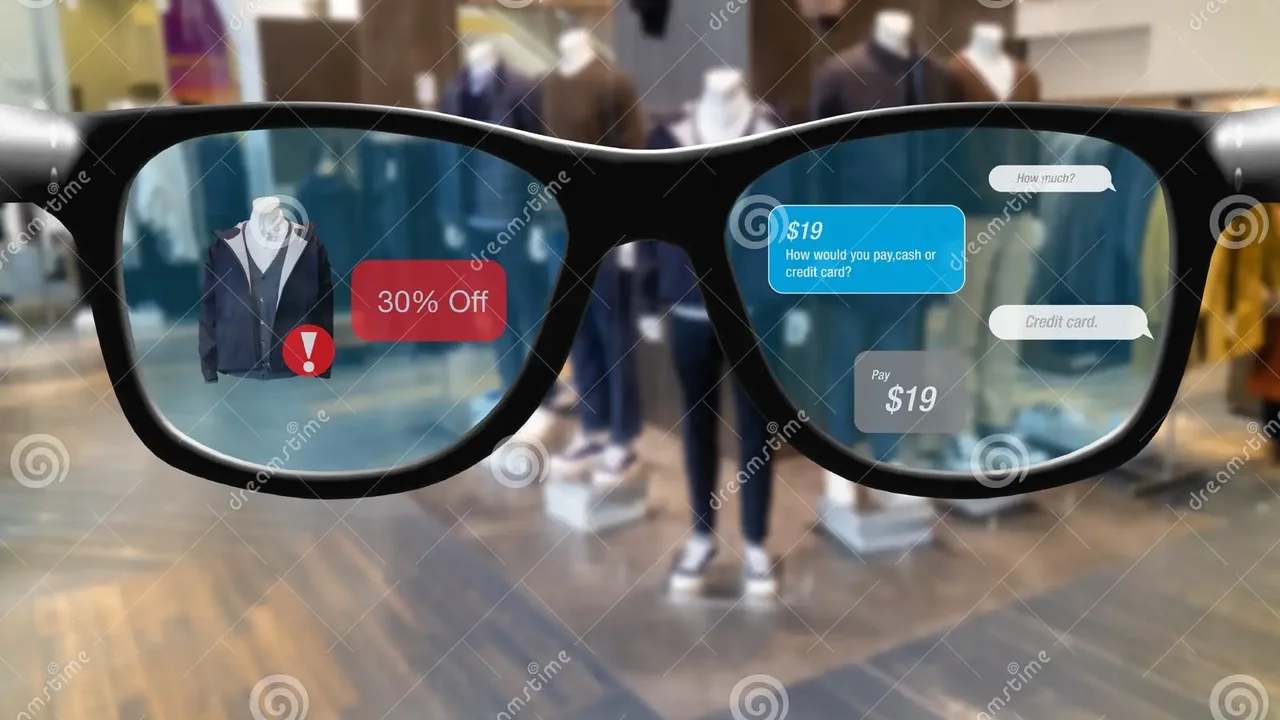
One of the most exciting aspects of software updates is the potential for enhanced functionality and the introduction of entirely new features. Imagine your smart glasses suddenly gaining the ability to translate languages in real-time, or offering more precise navigation, or even integrating with new apps you love. This isn't science fiction; it's a reality brought about by consistent software development.
Real World Examples of Feature Enhancements
- Ray-Ban Stories: When these first launched, they were primarily about capturing photos and videos. Subsequent software updates have brought in new features like call answering, message reading, and even Spotify Tap integration, making them much more versatile for daily use. These updates significantly broadened their appeal beyond just content creation.
- Amazon Echo Frames: Initially, these were essentially Alexa on your face. Over time, updates have improved audio quality, added VIP filter notifications, and even introduced features like auto-volume adjustment based on ambient noise. These enhancements make the audio experience much more seamless and personalized.
- Nreal Air: While already impressive for their display, software updates have refined their AR capabilities, improved screen mirroring stability, and optimized battery consumption when connected to various devices. This means a smoother, more reliable augmented reality experience for users.
These examples highlight how a device you bought months ago can feel brand new with just a software download. It's a testament to the power of continuous development and a huge benefit for consumers who invest in these technologies.
Critical Security Patches and Data Protection
In an increasingly connected world, security is paramount. Smart glasses, like any other connected device, are susceptible to security vulnerabilities. Software updates often include critical security patches designed to fix these vulnerabilities, protecting your personal data and preventing unauthorized access to your device.
Why Security Updates are Non Negotiable
Think about it: your smart glasses might have access to your location, your conversations, your photos, and potentially even biometric data. If a security flaw is discovered, hackers could exploit it to gain access to this sensitive information. Manufacturers are constantly monitoring for such threats and releasing updates to patch them. Ignoring these updates leaves your device, and by extension your personal information, exposed.
For instance, a vulnerability might allow an attacker to remotely activate your smart glasses' camera or microphone without your knowledge. A timely software update would close this loophole, ensuring your privacy remains intact. It's not just about protecting your data; it's about maintaining trust in the technology you use every day.
Improved Performance and Stability
Have you ever noticed your smart glasses feeling a bit sluggish, or an app crashing unexpectedly? These are often signs that your software could use an update. Software updates frequently include performance optimizations and bug fixes that improve the overall stability and responsiveness of your device.
Smoother User Experience
These improvements can manifest in various ways:
- Faster app loading times: No one likes waiting for an app to open.
- Reduced lag: A smoother, more fluid interaction with your smart glasses.
- Better battery life: Optimized software can manage power more efficiently, extending your usage time.
- Fewer crashes: A more stable system means less frustration.
Consider a scenario where your smart glasses are constantly disconnecting from your phone. A software update might contain a fix for this connectivity issue, making your experience much more reliable and enjoyable. These seemingly small improvements add up to a significantly better user experience.
Compatibility with New Devices and Ecosystems
As technology evolves, so do the devices and ecosystems that smart glasses interact with. Software updates ensure that your smart glasses remain compatible with the latest smartphones, operating systems, and third-party applications. This is especially important if you frequently upgrade your other tech.
Staying Connected in a Dynamic Tech Landscape
Imagine buying a new smartphone, only to find your smart glasses no longer connect properly because their software is outdated. Software updates prevent this by ensuring your smart glasses can communicate seamlessly with newer Bluetooth standards, Wi-Fi protocols, and app versions. This future-proofs your investment to some extent, allowing your smart glasses to remain a relevant part of your tech ecosystem for longer.
How to Check for and Install Software Updates
The process for checking and installing software updates varies slightly depending on the brand and model of your smart glasses. However, there are some common steps you can usually follow:
General Steps for Updating Your Smart Glasses
- Check the companion app: Most smart glasses come with a dedicated smartphone app. This app is usually where you'll find settings, device information, and crucially, an option to check for software updates.
- Ensure a stable internet connection: Updates can be large, so a strong Wi-Fi connection is recommended to avoid interruptions.
- Charge your smart glasses: Make sure your smart glasses have sufficient battery life (usually at least 50%) before starting an update. Some devices won't allow an update if the battery is low.
- Follow on-screen prompts: The app or the smart glasses themselves will guide you through the installation process. This might involve downloading the update and then restarting the device.
- Be patient: Updates can take some time. Avoid interrupting the process once it has started.
Specific Product Update Processes and Considerations
Ray-Ban Stories (Meta View App)
- Process: Updates are managed through the Meta View app. Connect your glasses, open the app, and navigate to the 'Settings' or 'Device' section. You'll usually see a notification if an update is available.
- Considerations: Meta frequently releases updates, often adding new features. Keep an eye on the app's notifications.
- Price Range: $299 - $379
- Use Case: Casual photo/video capture, hands-free calls, music playback.
Amazon Echo Frames (Alexa App)
- Process: Updates are pushed via the Alexa app. Ensure your Echo Frames are connected and within Bluetooth range of your phone. The app will notify you of available updates.
- Considerations: Updates often focus on improving Alexa's responsiveness, audio quality, and notification management.
- Price Range: $269.99 - $289.99
- Use Case: Hands-free Alexa access, audio streaming, discreet notifications.
Nreal Air (Nebula App)
- Process: For Nreal Air, updates are typically managed through the Nebula app on your connected Android device or PC. You'll need to connect the glasses and check the app's settings for firmware updates.
- Considerations: Nreal focuses on refining the AR experience and compatibility with a wider range of devices.
- Price Range: $379 - $599 (depending on region and bundles)
- Use Case: Portable large screen for media consumption, cloud gaming, productivity (with compatible devices).
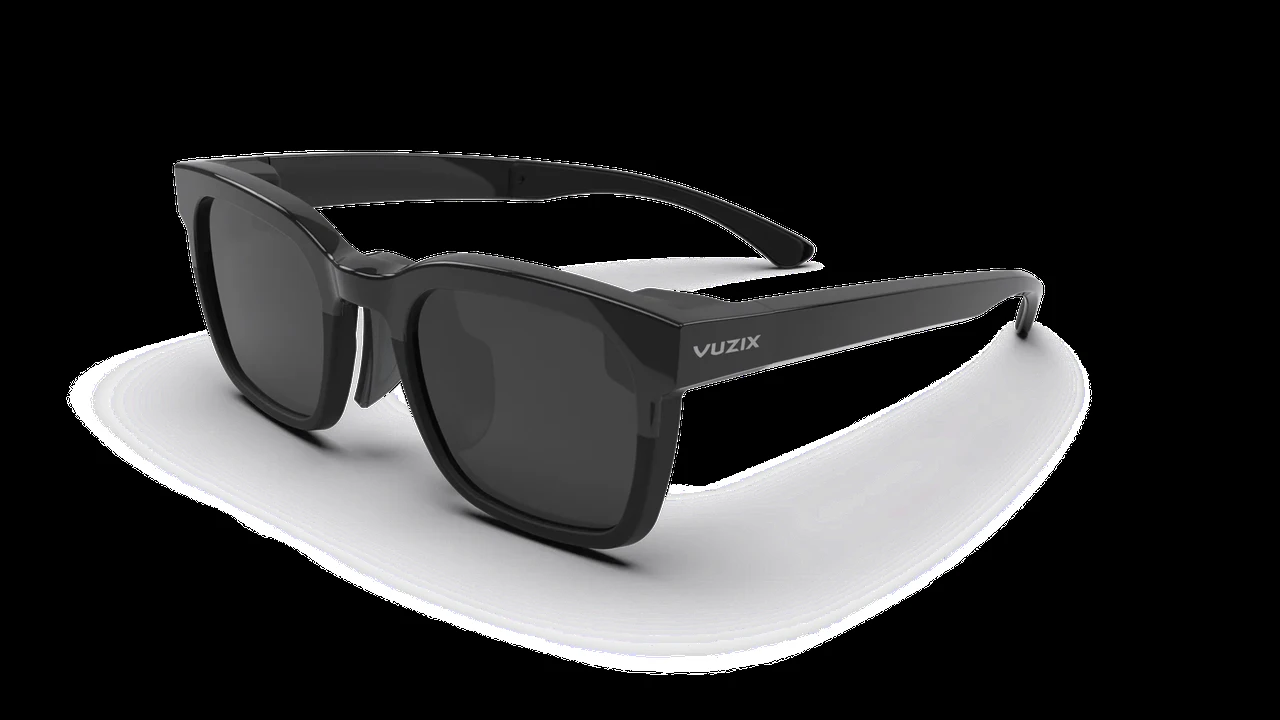
Vuzix Smart Glasses (Vuzix App/Device Manager)
- Process: Vuzix, often used in enterprise, has a more robust update system, sometimes involving a desktop application or direct download from their support portal. For consumer models, a companion app might be used.
- Considerations: Updates for Vuzix often include enterprise-specific features, security enhancements, and performance improvements for industrial applications.
- Price Range: $999 - $2,499+ (enterprise-focused)
- Use Case: Industrial applications, remote assistance, logistics, healthcare.
Always refer to your smart glasses' specific user manual or the manufacturer's support website for the most accurate and up-to-date instructions on how to perform software updates. Don't hesitate to reach out to customer support if you encounter any issues.
The Long-Term Benefits of Regular Updates
Regularly updating your smart glasses isn't just about immediate fixes; it's about maximizing your investment in the long run. It ensures your device remains relevant, secure, and performs at its peak for as long as possible. It's a simple habit that yields significant benefits.
Maximizing Your Smart Glasses Investment
Think of it this way: a well-maintained piece of technology lasts longer and performs better. Software updates are a key part of that maintenance. They can extend the usable life of your smart glasses by keeping them compatible with new technologies and protecting them from emerging threats. This means you won't feel the need to upgrade as frequently, saving you money in the long run.
So, next time you see that notification for a software update on your smart glasses, don't ignore it! Take a few minutes to install it. Your smart glasses, and your peace of mind, will thank you for it. It's a small effort for a much better, safer, and more feature-rich experience.
:max_bytes(150000):strip_icc()/277019-baked-pork-chops-with-cream-of-mushroom-soup-DDMFS-beauty-4x3-BG-7505-5762b731cf30447d9cbbbbbf387beafa.jpg)