Smart Glasses Connectivity Bluetooth Wifi and More
A guide to smart glasses connectivity options, including Bluetooth, Wi-Fi, and other essential features.
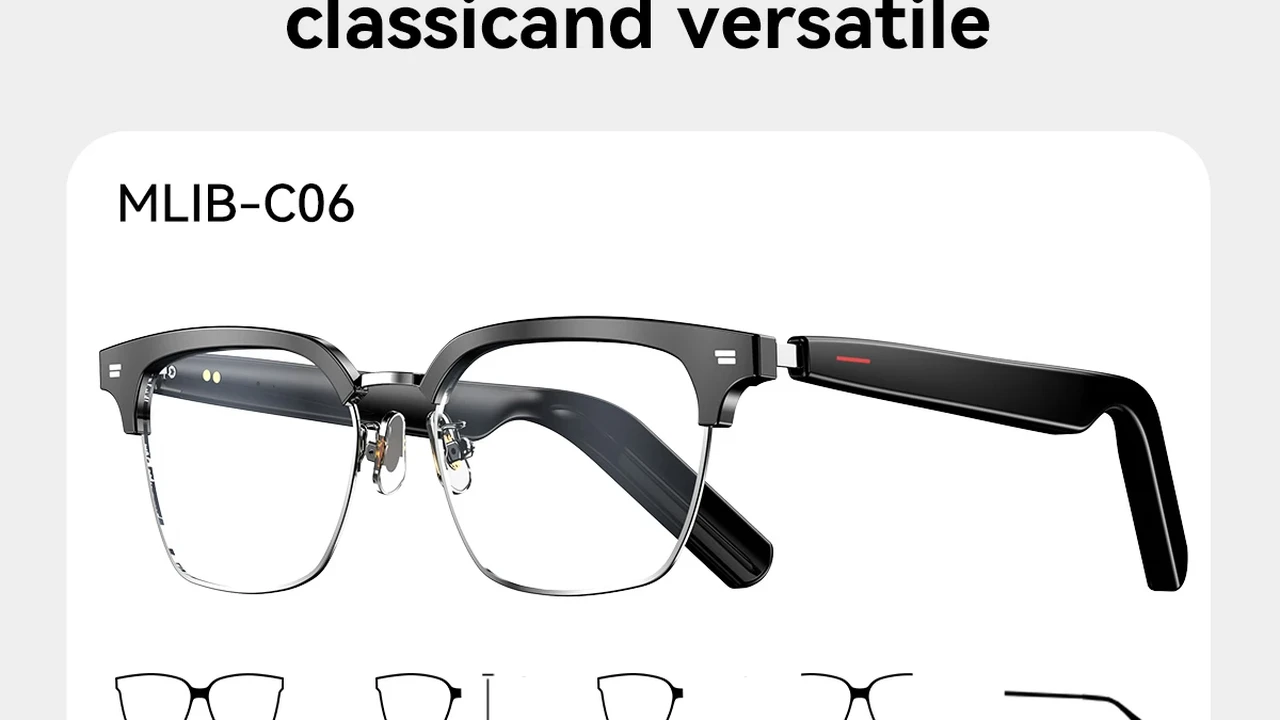
A guide to smart glasses connectivity options, including Bluetooth, Wi-Fi, and other essential features.
Smart Glasses Connectivity Bluetooth Wifi and More
Understanding Smart Glasses Connectivity Essentials
So, you're eyeing a pair of smart glasses, huh? That's awesome! These gadgets are truly changing the game, blending digital info with your real-world view. But before you dive in, let's talk about something super important: how these things actually connect to the world around them. We're talking Bluetooth, Wi-Fi, and a bunch of other cool tech that makes your smart glasses, well, smart. Think of it like the nervous system of your glasses – it's what allows them to talk to your phone, the internet, and even other devices. Without solid connectivity, your fancy new eyewear is just, well, eyewear. Let's break down the essentials so you can pick the perfect pair for your digital life.
Bluetooth Connectivity The Foundation of Smart Glasses
Alright, let's kick things off with Bluetooth. This is probably the most common and fundamental way smart glasses connect. Why? Because it's super efficient for short-range communication, perfect for linking up with your smartphone. Most smart glasses act as an extension of your phone, displaying notifications, taking calls, or even controlling music. Bluetooth is the magic behind that seamless connection.
Bluetooth Versions and Their Impact on Smart Glasses Performance
Now, not all Bluetooth is created equal. You'll often see numbers like Bluetooth 4.0, 5.0, or even 5.2. These numbers matter! Newer versions, like Bluetooth 5.0 and beyond, offer several advantages for smart glasses:
- Increased Speed: Faster data transfer means quicker updates and smoother experiences. Imagine getting a notification instantly, not a second later.
- Greater Range: You can wander a bit further from your phone without losing connection. Handy if you leave your phone on your desk while grabbing a coffee.
- Lower Power Consumption: This is a big one for smart glasses. Better Bluetooth means less drain on the battery, giving you more usage time.
- Improved Reliability: Fewer dropped connections, which is crucial when you're relying on your glasses for navigation or important alerts.
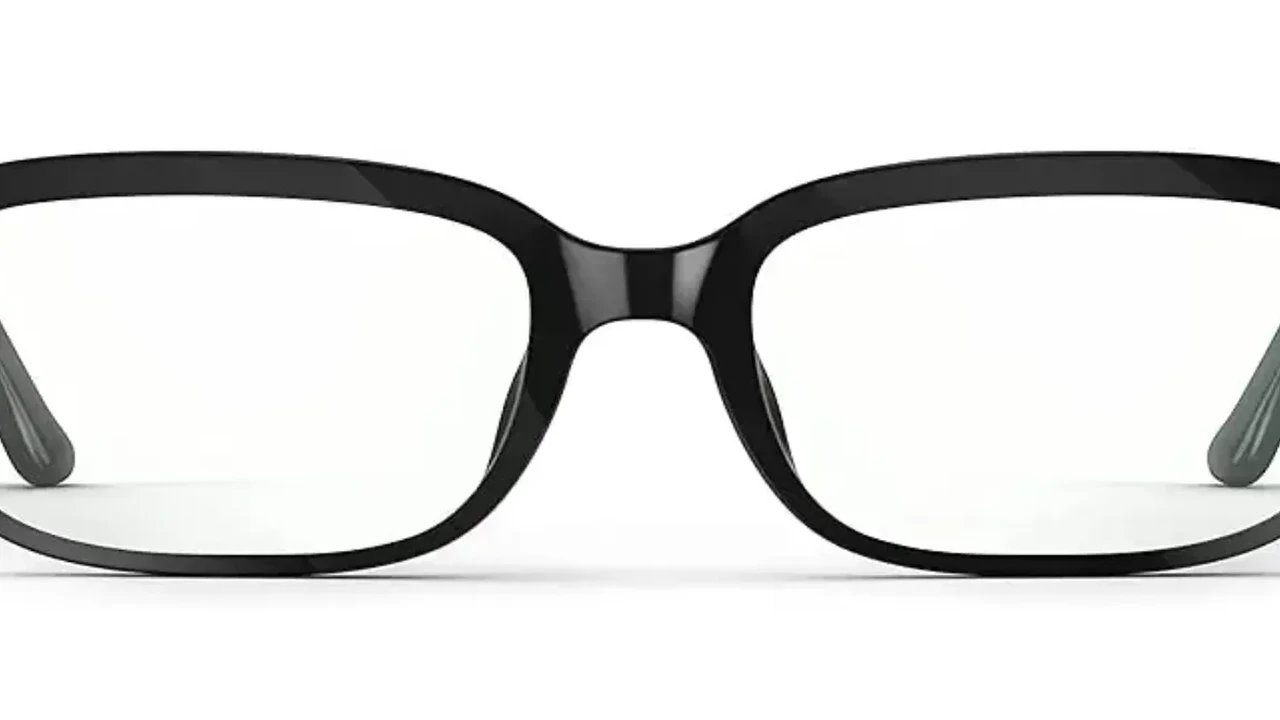
For example, the Ray-Ban Stories primarily rely on Bluetooth 5.0 to connect to your smartphone for photo/video capture and audio playback. This allows for a stable connection while you're out and about. Similarly, the Amazon Echo Frames (2nd Gen) leverage Bluetooth for their Alexa integration and audio streaming. If you're looking at older models, they might use an earlier Bluetooth version, which could impact battery life and connection stability. Always check the specs!
Bluetooth Profiles A Deeper Dive into Smart Glasses Functionality
Beyond just the version, Bluetooth uses 'profiles' to define how devices communicate for specific tasks. For smart glasses, some common and important profiles include:
- A2DP (Advanced Audio Distribution Profile): This is what allows your smart glasses to stream high-quality audio from your phone, whether it's music, podcasts, or call audio.
- HFP (Hands-Free Profile): Essential for making and receiving phone calls directly through your glasses.
- AVRCP (Audio/Video Remote Control Profile): Lets you control media playback (play, pause, skip) from your glasses.
- GATT (Generic Attribute Profile): This is a more general profile used for exchanging small amounts of data, often for sensor information or notifications.
When you see smart glasses advertising features like 'integrated speakers' or 'call answering,' these Bluetooth profiles are working behind the scenes to make it happen. For instance, the Bose Frames Tempo, designed for active lifestyles, heavily rely on A2DP for their impressive audio quality during workouts. Their ability to take calls seamlessly is thanks to HFP. Understanding these profiles helps you grasp the full capabilities of your smart glasses.
Wi-Fi Connectivity Expanding Smart Glasses Horizons
While Bluetooth is great for phone-to-glasses communication, Wi-Fi takes things to the next level. Wi-Fi allows smart glasses to connect directly to the internet, opening up a whole new world of possibilities. Not all smart glasses have Wi-Fi, but those that do often offer more standalone functionality.
Benefits of Wi-Fi in Smart Glasses Standalone Features
So, why would you want Wi-Fi in your smart glasses?
- Direct Internet Access: This means your glasses can fetch information, stream content, or update apps without needing your phone as a middleman. Think about getting real-time navigation updates or looking up information on the fly.
- Cloud Syncing: Photos and videos captured by your glasses can be uploaded directly to cloud storage, freeing up space on the device and making them accessible from anywhere.
- Over-the-Air (OTA) Updates: Firmware and software updates can be downloaded and installed directly, keeping your glasses up-to-date with the latest features and security patches.
- Higher Bandwidth: Wi-Fi offers much faster data transfer speeds than Bluetooth, which is crucial for streaming high-resolution video or complex AR experiences.
A prime example of Wi-Fi utilization is the Google Glass Enterprise Edition 2. This device is designed for industrial use, where workers might need to access complex diagrams, stream live video to remote experts, or receive real-time instructions. Wi-Fi is absolutely essential for these high-bandwidth, mission-critical applications. Similarly, some advanced AR glasses like the Microsoft HoloLens 2 rely heavily on Wi-Fi for their immersive mixed reality experiences, requiring constant data flow for rendering complex virtual objects in the real world.
Wi-Fi Standards and Their Implications for Smart Glasses
Just like Bluetooth, Wi-Fi has different standards (802.11a/b/g/n/ac/ax, also known as Wi-Fi 4, 5, 6, etc.). Newer standards mean better performance:
- Wi-Fi 5 (802.11ac): Common in many current devices, offering good speeds for most applications.
- Wi-Fi 6 (802.11ax): The latest standard, providing even faster speeds, lower latency, and better performance in crowded network environments. This is particularly beneficial for demanding AR applications or streaming high-quality content.
If your smart glasses are meant for heavy data usage, like streaming AR content or video calls, Wi-Fi 6 support would be a significant advantage. For simpler notification-based glasses, Wi-Fi might not even be present, or an older standard would suffice. For instance, the Nreal Air, which focuses on a personal cinema experience, benefits from Wi-Fi for streaming content directly, though it often tethers to a phone for processing power.
Cellular Connectivity The Ultimate Independence for Smart Glasses
Now we're talking true independence! Some high-end or specialized smart glasses might even include cellular connectivity (4G LTE or even 5G). This means they have their own SIM card or eSIM and can connect to the internet and make calls completely independently of a smartphone.
Advantages of Cellular Connectivity for Smart Glasses
Why would you want cellular in your smart glasses?
- Complete Standalone Operation: Leave your phone at home! Your glasses can access the internet, make calls, and send messages all on their own.
- Always-On Connection: No need to find a Wi-Fi hotspot or be tethered to your phone. Great for outdoor activities, travel, or professional use where constant connectivity is vital.
- Real-time Data Anywhere: Get live updates, stream content, or use cloud-based services no matter where you are, as long as there's cellular coverage.
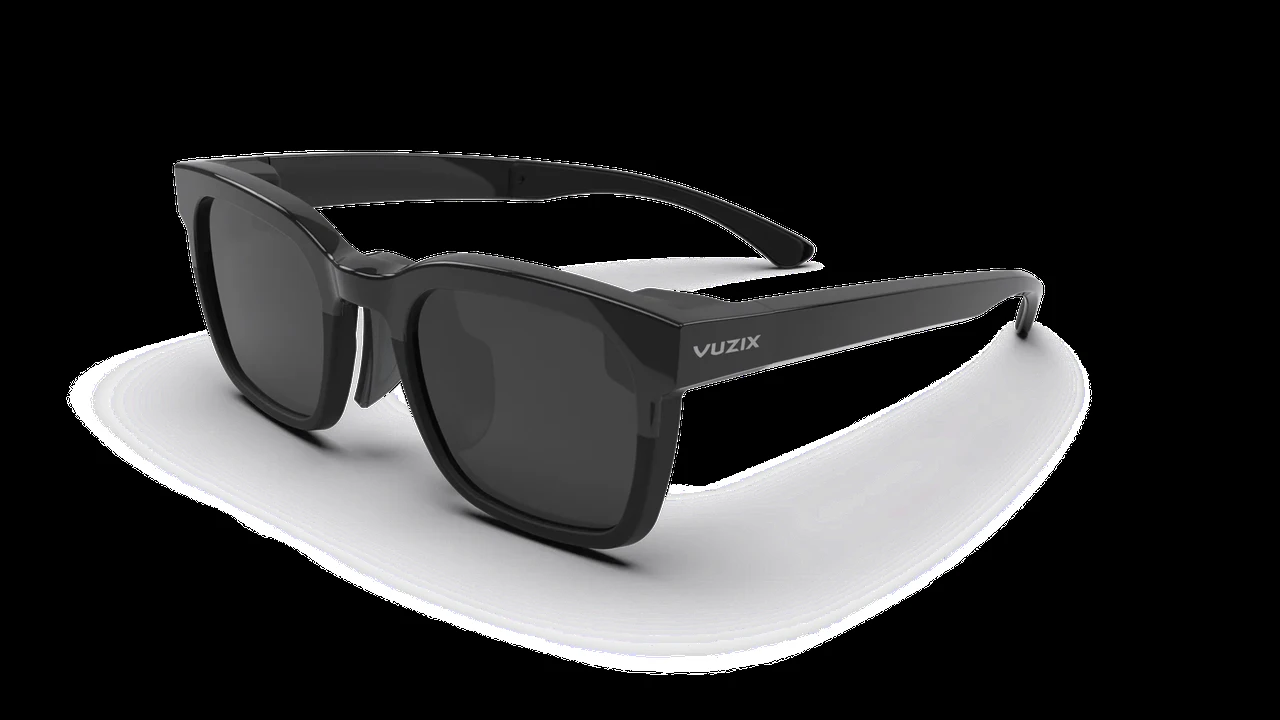
While less common in consumer smart glasses due to cost, size, and battery implications, cellular connectivity is a game-changer for certain use cases. For example, some industrial smart glasses used by field technicians might incorporate cellular to ensure they always have access to critical information, remote assistance, or work orders, even in areas without Wi-Fi. Imagine a construction worker needing to access blueprints or a remote expert on a video call from a site without Wi-Fi – cellular makes this possible. The Vuzix Blade Upgraded, while primarily Wi-Fi and Bluetooth, has models or accessories that can leverage cellular for enterprise applications, showcasing this potential.
Challenges and Considerations for Cellular Smart Glasses
Of course, there are trade-offs:
- Battery Drain: Cellular radios consume significantly more power than Bluetooth or Wi-Fi, leading to shorter battery life.
- Cost: Adding cellular hardware increases the manufacturing cost, making the glasses more expensive. You'll also need a separate data plan.
- Size and Weight: Integrating cellular components can make the glasses bulkier and heavier.
For these reasons, cellular smart glasses are currently more niche, often found in enterprise solutions where the benefits outweigh the costs and challenges. However, as technology advances, we might see more consumer-oriented cellular smart glasses in the future.
Other Essential Connectivity Features for Smart Glasses
Beyond the big three (Bluetooth, Wi-Fi, Cellular), smart glasses often incorporate other connectivity features that enhance their functionality.
GPS and Location Services for Smart Glasses Navigation
Many smart glasses include GPS (Global Positioning System) for location tracking and navigation. This is incredibly useful for:
- Turn-by-Turn Navigation: See directions overlaid on your view as you walk or cycle.
- Location-Based Information: Get information about points of interest around you.
- Fitness Tracking: Map your runs or rides and track distances.
The Solos Smart Glasses, designed for cyclists, are a great example. They integrate GPS to display real-time cycling metrics and navigation cues directly in your line of sight, allowing you to keep your eyes on the road. Similarly, some general-purpose smart glasses like the North Focals (now discontinued, but a good example) used GPS for subtle navigation prompts.
NFC Near Field Communication for Quick Pairing and Payments
NFC allows for very short-range communication, typically used for quick pairing with other devices or for contactless payments. While not as common in smart glasses yet, it could be a convenient feature for:
- Tap-to-Pair: Quickly connect your glasses to a new device by simply tapping them together.
- Contactless Payments: Imagine paying for your coffee with a tap of your glasses.
Currently, NFC is more prevalent in smartphones and smartwatches, but its potential for seamless interactions with smart glasses is definitely there for future models.
USB-C Connectivity for Charging and Data Transfer
Almost all modern smart glasses will feature a USB-C port. This isn't for wireless connectivity, but it's crucial for:
- Charging: Powering up your glasses.
- Wired Data Transfer: For initial setup, large firmware updates, or transferring media files if wireless options are slow or unavailable.
- Accessory Connection: Some glasses might use USB-C to connect to external battery packs or other peripherals.
The versatility of USB-C makes it an indispensable port for smart glasses, ensuring they can be easily charged and managed. For instance, the Razer Anzu Smart Glasses use USB-C for charging, a standard and convenient method.
Comparing Connectivity Across Popular Smart Glasses Models
Let's look at how some popular smart glasses handle connectivity and what that means for their use cases and pricing.
Ray-Ban Stories Connectivity and Use Case
- Connectivity: Primarily Bluetooth 5.0 for smartphone connection. No Wi-Fi or cellular.
- Use Case: Casual photo/video capture, audio playback, and hands-free calls. They are designed to be an extension of your smartphone, not a standalone device.
- Price Range: Around $299 - $379 USD.
- Why this setup: Keeps the glasses lightweight, stylish, and relatively affordable. The focus is on social sharing and audio, which Bluetooth handles perfectly. You'll need your phone nearby for full functionality and internet access.
Amazon Echo Frames Connectivity and Use Case
- Connectivity: Bluetooth for smartphone connection and Alexa integration. No Wi-Fi or cellular.
- Use Case: Hands-free Alexa access, audio streaming, and calls. Similar to Ray-Ban Stories, they rely on your phone for internet access and most 'smart' features.
- Price Range: Around $269.99 USD.
- Why this setup: Designed to be a convenient way to access Alexa on the go without pulling out your phone. Bluetooth is sufficient for this voice-first interaction and audio playback, keeping the design sleek and battery life reasonable.
Nreal Air Connectivity and Use Case
- Connectivity: Primarily wired USB-C connection to a compatible smartphone or computer. Some models might have limited Wi-Fi for specific apps, but it's not their primary mode of operation.
- Use Case: Portable display for media consumption, gaming, and productivity. They essentially project your phone's screen into your view.
- Price Range: Around $379 USD.
- Why this setup: The wired connection ensures high-bandwidth, low-latency video transmission, crucial for a smooth display experience. It offloads processing power and battery drain to the connected device, allowing the glasses themselves to be very lightweight and compact.
Google Glass Enterprise Edition 2 Connectivity and Use Case
- Connectivity: Wi-Fi (802.11ac) and Bluetooth 5.0. Some enterprise solutions might integrate cellular via external modules or specialized versions.
- Use Case: Industrial applications, remote assistance, training, and workflow optimization. Designed for hands-on workers needing real-time information and communication.
- Price Range: Typically $999 USD (for the device itself, enterprise solutions often involve software subscriptions).
- Why this setup: Wi-Fi is critical for accessing enterprise networks, downloading large files, and streaming video for remote assistance. Bluetooth handles peripheral connections like headsets or barcode scanners. The robust connectivity supports demanding professional environments.
Microsoft HoloLens 2 Connectivity and Use Case
- Connectivity: Wi-Fi (802.11ac) and Bluetooth 5.0.
- Use Case: Advanced mixed reality applications for enterprise, healthcare, education, and design. It's a powerful, self-contained computer.
- Price Range: Around $3,500 USD.
- Why this setup: As a standalone mixed reality computer, HoloLens 2 requires high-speed Wi-Fi for downloading complex 3D models, collaborating in real-time, and accessing cloud services. Bluetooth connects to controllers and other peripherals. Its robust connectivity is essential for its sophisticated AR capabilities.
The Future of Smart Glasses Connectivity 5G and Beyond
The world of smart glasses connectivity is constantly evolving. Here's what's on the horizon:
5G Integration for Ultra-Low Latency and High Bandwidth
5G is going to be a game-changer for smart glasses. Its ultra-low latency and massive bandwidth will enable:
- Cloud-Rendered AR: Complex augmented reality experiences could be rendered in the cloud and streamed to your glasses in real-time, reducing the need for powerful on-board processors and making glasses lighter and more affordable.
- Real-time Collaboration: Seamless, high-fidelity video calls and shared AR experiences with multiple users, even in remote locations.
- Instant Data Access: Access to vast amounts of information and services with virtually no delay.
Imagine walking through a city and having detailed historical information or interactive virtual characters appear instantly, powered by a distant server and delivered via 5G. This is the promise of true mobile AR.
Edge Computing and Smart Glasses The Next Frontier
Closely tied to 5G is edge computing. Instead of sending all data to a distant cloud server, edge computing processes data closer to the source (e.g., a local server or even the glasses themselves). This further reduces latency and improves responsiveness, which is critical for interactive AR and real-time applications. Smart glasses will increasingly leverage edge computing for faster, more efficient processing of visual data and user interactions.
Seamless Hand-offs Between Connectivity Types
In the future, smart glasses will likely become even smarter at managing their connectivity. They'll seamlessly switch between Bluetooth, Wi-Fi, and cellular depending on what's available and what task you're performing, optimizing for battery life and performance without you even noticing. This intelligent connectivity management will be key to a truly effortless user experience.
Choosing Your Smart Glasses Based on Connectivity Needs
So, how do you pick the right smart glasses based on all this connectivity talk? It really boils down to your primary use case:
- For Casual Use and Smartphone Extension: If you just want hands-free calls, audio, and notifications, Bluetooth-only glasses like Ray-Ban Stories or Amazon Echo Frames are perfect. They're generally more affordable and lighter.
- For Media Consumption and Basic AR (Tethered): If you're looking for a portable big screen for movies or light AR, glasses like Nreal Air that primarily use a wired connection to your phone are a great choice.
- For Standalone Functionality and Advanced AR (Consumer): As consumer AR glasses evolve, look for models with robust Wi-Fi for more independent operation and richer experiences. These will likely be pricier.
- For Professional and Industrial Use: If you're buying for enterprise applications, prioritize glasses with strong Wi-Fi and potentially cellular capabilities, like Google Glass Enterprise Edition 2 or Microsoft HoloLens 2, as they need reliable, high-bandwidth connections for critical tasks.
Always consider where and how you'll be using your smart glasses. Do you need constant internet access? Will you always have your phone with you? Your answers will guide you to the right connectivity setup for your needs. Happy shopping!
:max_bytes(150000):strip_icc()/277019-baked-pork-chops-with-cream-of-mushroom-soup-DDMFS-beauty-4x3-BG-7505-5762b731cf30447d9cbbbbbf387beafa.jpg)